"Ubuntu 16.04 Desktop Edition User Experience Report"
Written by: Logic Panda | Picture: from the network baidu
Welcome to share various poses in the circle of friends
If you need to reprint, please contact the background authorization
Ubuntu 16.04 Desktop
Linux operating system
Non-dual system, non-virtual machine
The main purpose
Office, audio and video entertainment, Internet
Programming learning development
- Give up Windows, Ubuntu experience journey-
Officially begin
▼
-01-
Desktop screenshot
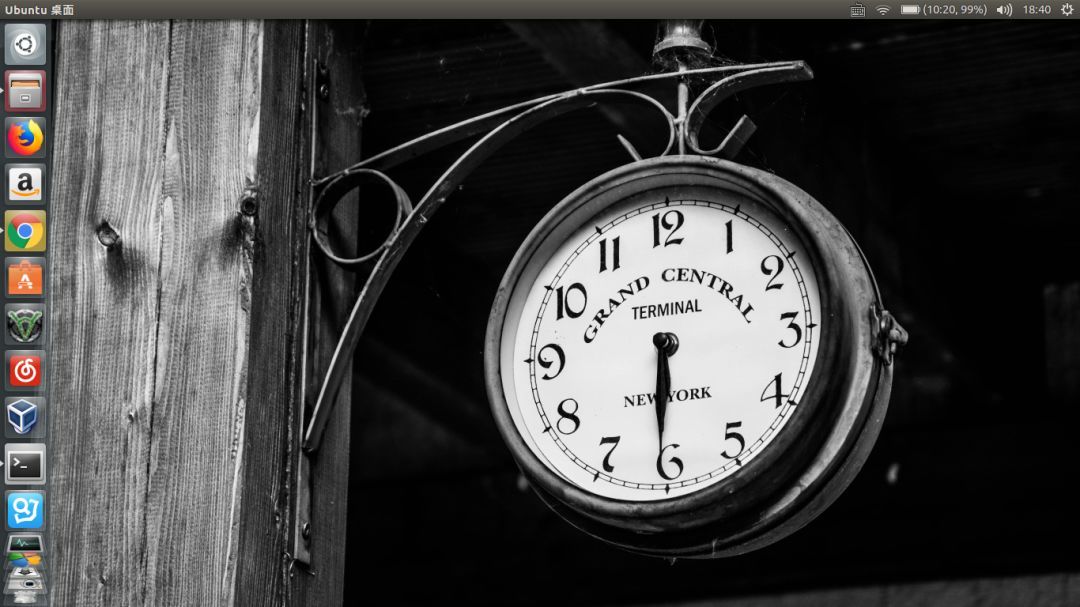
It looks good, and it’s a genuine software~ I changed a wallpaper, the wallpaper comes with the system, I don’t really like pure purple. The screenshot tool uses the screenshot tool that comes with the Ubuntu system.
▼ Ubuntu Desktop▼
-02-
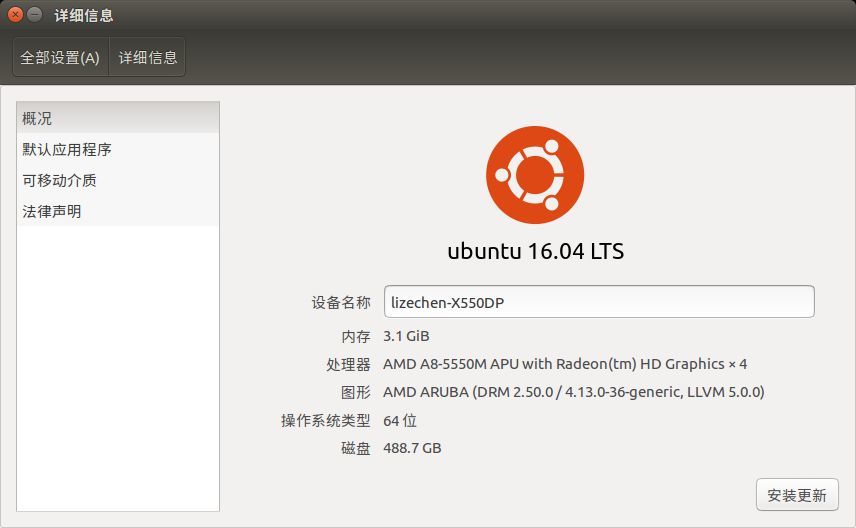
Add the author's computer configuration
The configuration is old and relatively low, and it has been used for four years. Before using win7, the hard disk is about to run out, the operation is very slow, the fan is not very obedient, it keeps spinning, the system overhead is very high, and the games currently on the market are a bit unplayable. I have to admit that the overhead of the Linux system is really small, and the efficiency of the program is very high. There are more than a dozen web pages opened, which basically has no effect on other applications.
▼ About this computer▼
Settings------> About this computer
-03-
application
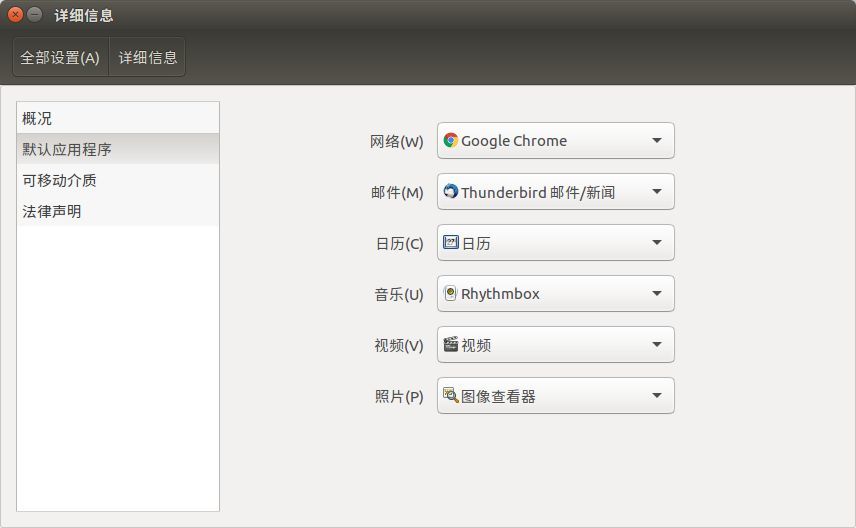
Ubuntu provides a set of default tools. Including audio and video and picture mailboxes. It can basically meet daily needs. The only pain is the compatibility of most software under Linux and Windows platforms.
▼ Default application ▼
Settings------> About this computer
-04-
Office environment
The default Office software is LibreOffice, but WPS has a Linux version. You can go to the official website to download the deb package for installation. In contrast, wps may be more powerful, but on ubuntu, libre starts faster.
▼ Office ▼
wps and Libre


-05-
Browser
The default is the Firefox browser, and the Linux version of the Chrome browser is installed. Since many software does not have a corresponding Linux version, most of the actions are done under the browser. I feel that browsers can replace most applications in the future.
▼ Browser▼
Firefox---Chrome


-06-
Other software
Besides
Other Linux version software installed
sogou Input
NetEase Cloud Music
Youdao Dictionary
Virtual Box
I won't list them all
-07-
Game experience
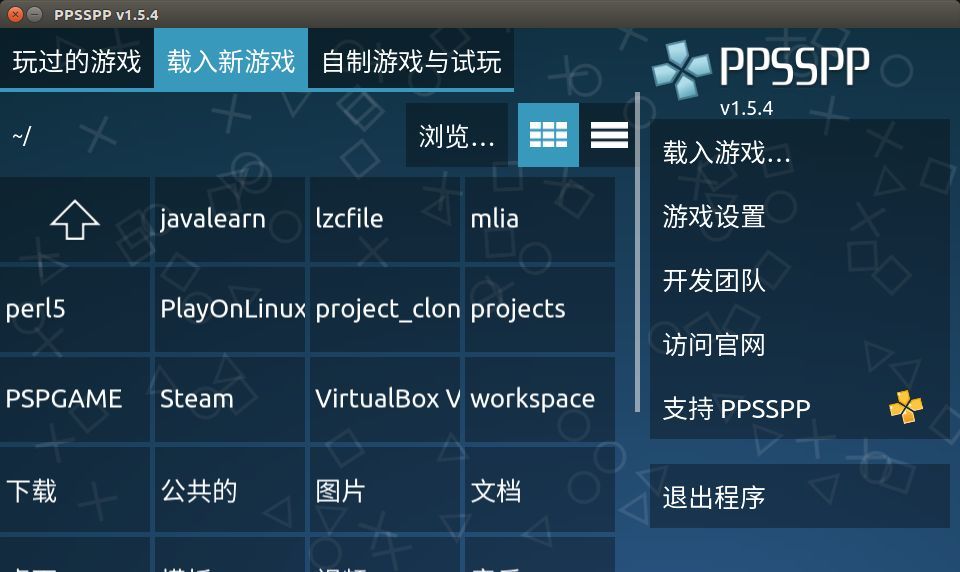
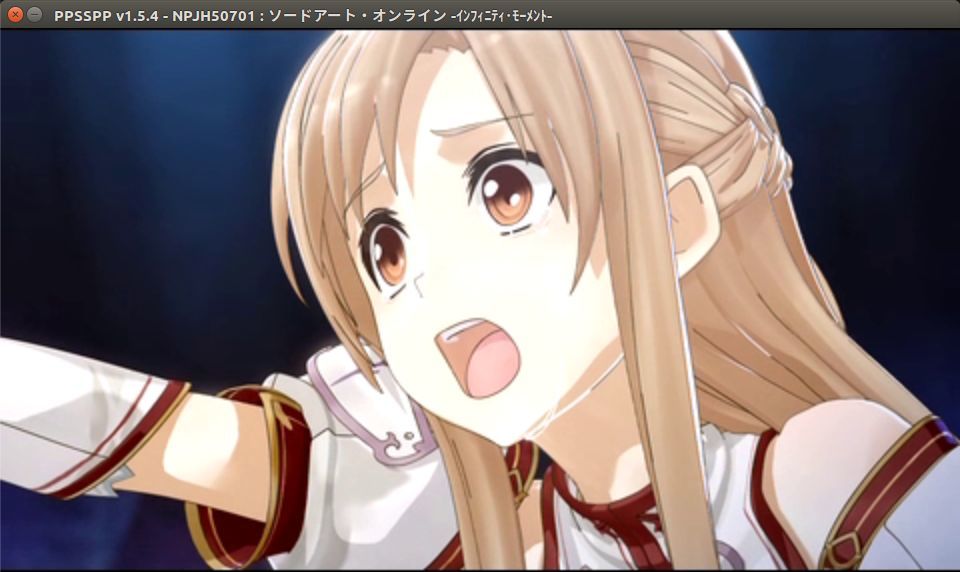
Since the author is not so obsessed with the game, and did not go into the study of how to play games under Windows on Linux, but it is said that CS is not a problem, I installed the Linux version of ppsspp (a PSP emulator), try it out The game is "Sword Art Online".
▼ Screenshot▼
-08-
on……
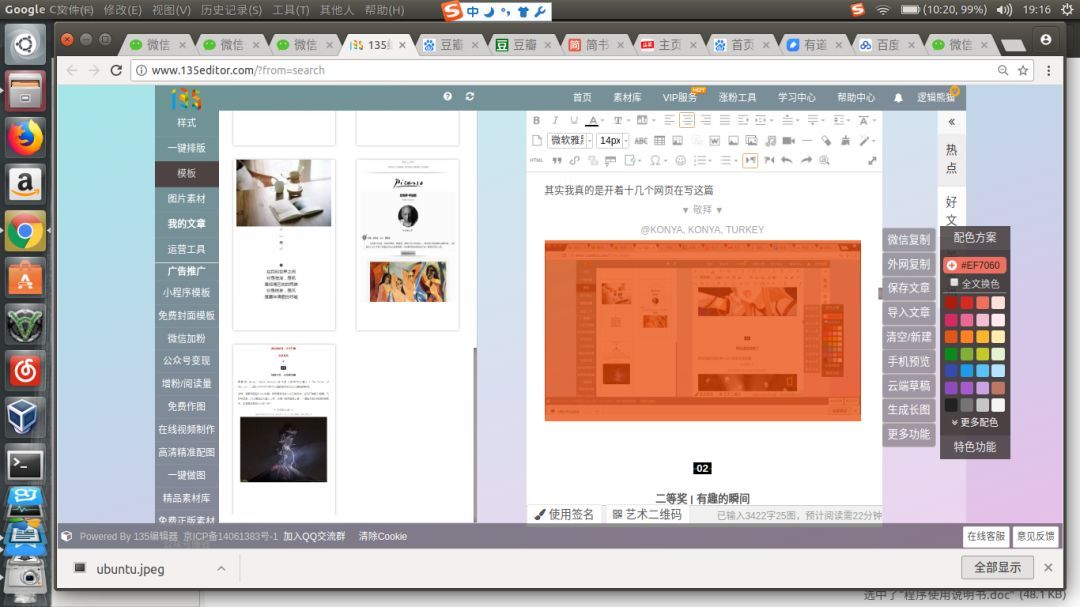
Actually I am writing this article with more than a dozen web pages
▼ Desktop screenshot▼
There are pictures and the truth