Ubuntu analog serial communication
Ubuntu serial communication###
#1 surroundings##
Ubuntu 16.04(Mac virtual machine)
Python 3.5
#1.1 Install plugin###
- Ubuntu serial port assistant
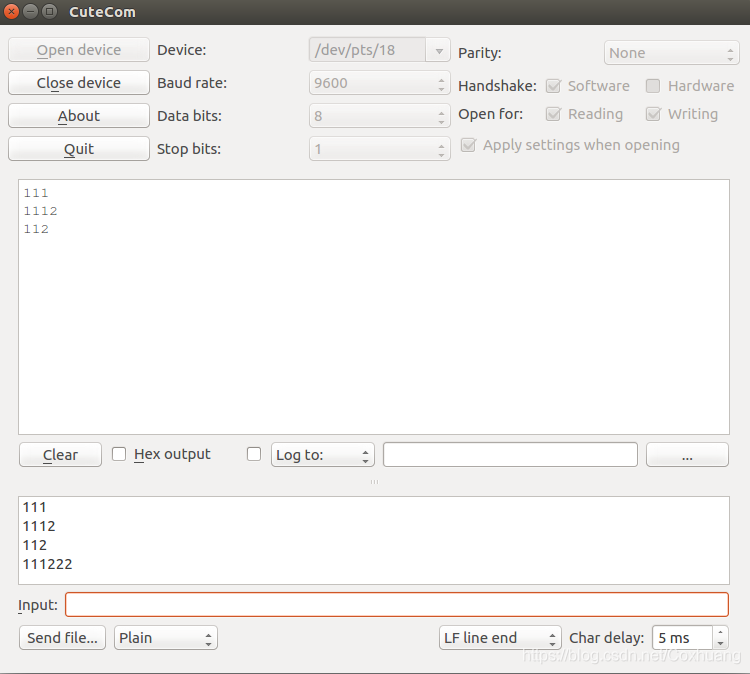
sudo apt install cutecom
- Python third-party library
pip3 install pyserial
#2 purpose##
- Virtual out the serial port in Ubuntu
- Use virtual serial port communication (receiving/sending)
#3 Start##
#3.1 Virtual serial port###
Why virtual serial port???
Because there is no serial port device on my computer, I need to virtualize the serial port to perform serial communication. This is very, very important!!!, if there is no serial port peripheral on the computer, and there is no virtual available serial port, it cannot be done Serial communication!
#! /usr/bin/env python
# coding=utf-8import pty
import os
import select

def mkpty():
 master1, slave = pty.openpty()
 slaveName1 = os.ttyname(slave)
 master2, slave = pty.openpty()
 slaveName2 = os.ttyname(slave)print('\nslave device names: ', slaveName1, slaveName2)return master1, master2

if __name__ =="__main__":

 master1, master2 =mkpty()print(master1, master2)while True:
  rl, wl, el = select.select([master1,master2],[],[],1)for master in rl:print(master)
   data = os.read(master,128)if master==master1:
    os.write(master2, data)else:
    os.write(master1, data)
slave device names:/dev/pts/18/dev/pts/20
Among them, /dev/pts/18 and /dev/pts/20 are serial devices virtually transmitted on Ubuntu
Verify that the virtual serial port is available:
- Open cutecom
sudo cutecom
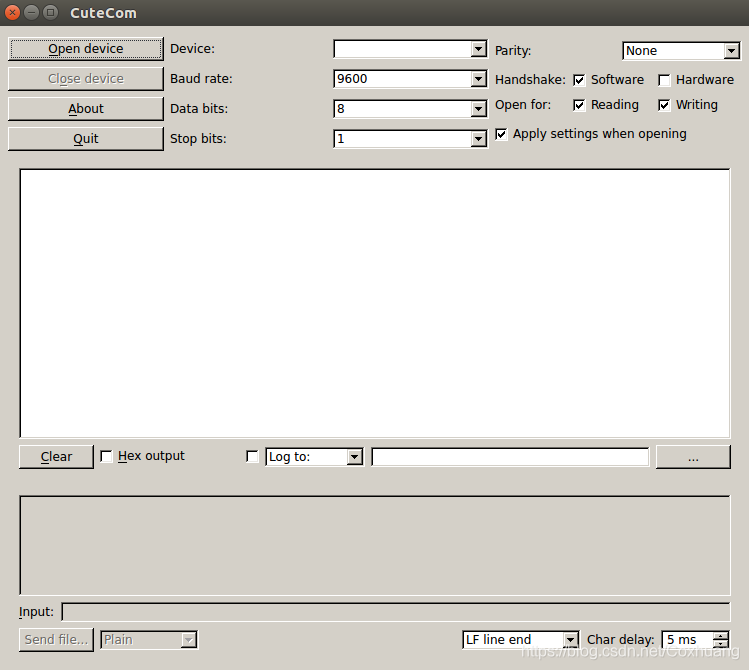
- use
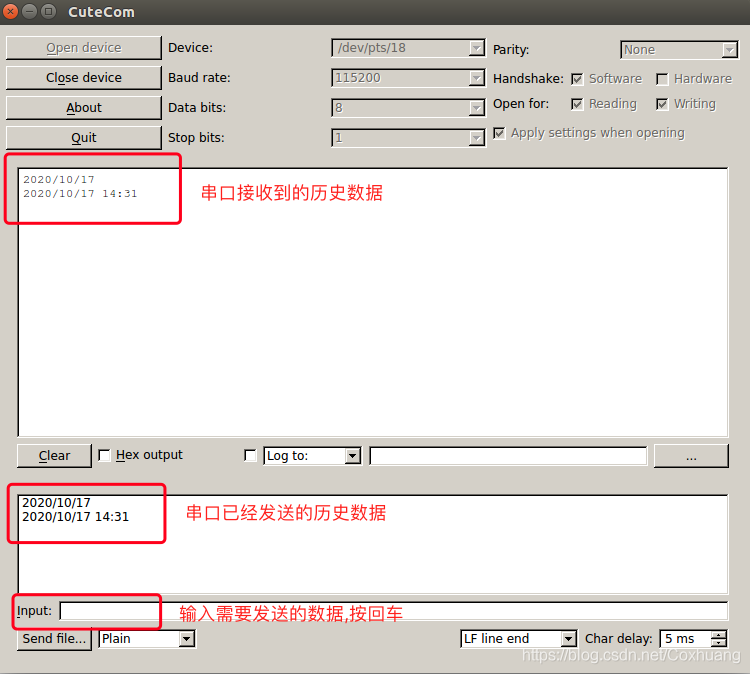
The virtual serial port can be used normally!
#3.2 Receive serial port data###
Receive code:
# usr/bin/python3
# - *- coding: utf-8-*-import serial
ser=serial.Serial("/dev/pts/18",115200,timeout=0.5)print("serial_name:",ser.name)
ser.close()
ser.open()print(ser.isOpen())while True:

 s = ser.read(10) #Read every 10 characters
 # s = ser.readline() #Is to read a line to/n end, if not/n keep reading, blocking.

 print(s)

ser.close()#Close port
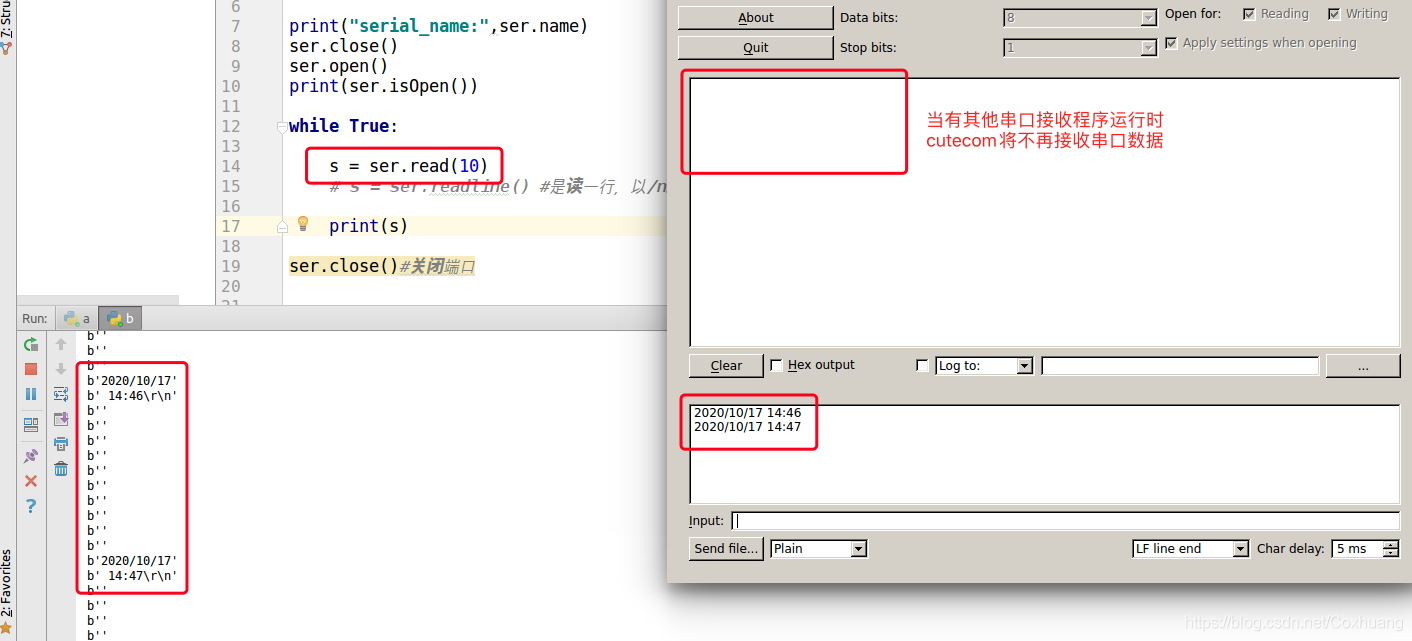
serial API:
| serial method | Description | Remarks |
|---|---|---|
| serial.Serial | Instantiate a serial port object | ser=serial.Serial("/dev/pts/18",115200,timeout=0.5) |
| ser.name | Serial port name | |
| ser.open() | Open the serial port (if opening fails, close it before opening) | |
| ser.close() | Close the serial port | |
| ser.read(x) | is to read x characters | |
| ser.readline() | Read a line and end with /n. If there is no /n, keep reading and block. | |
| ser.readlines() | Read multiple lines, you need to set the timeout time | |
| ser.xreadlines() | Read multiple lines, need to set timeout time | |
| ser.write("x") | write data | |
| ser.baudrate | Baud rate | |
| ser.bytesize | byte size | |
| ser.parity | Check Digit | |
| ser.stopbits | stop bits | |
| ser.timeout | Read timeout setting | |
| ser.writeTimeout | write timeout | |
| ser.xonxoff | Software Flow Control | |
| ser.rtscts | Hardware Flow Control | |
| ser.interCharTimeout | Character interval timeout |
#3.3 Write serial port data###
write the code:
# usr/bin/python3
# - *- coding: utf-8-*-import serial
ser=serial.Serial("/dev/pts/18",115200,timeout=0.5)print("serial_name:",ser.name)
ser.close()
ser.open()print(ser.isOpen())

# while True:

ser.write(b"hello") #Binary

ser.close()#Close port
Recommended Posts