Experience Ubuntu18.04LTS in Parallels Desktop
Foreword###
Today is also the first time to download Ubuntu 18.04LTS. As a programmer who has used 16.04 for a long time, I am still a little excited. Of course, I am not as excited as I got the mac (funny face). Okay, I will become a Thing boy, take everyone away~
By the way, I recommend my old article [How to develop without a beautiful turn! Ubuntu 16.04 LTS is deeply beautified!] (https://www.jianshu.com/p/4bd2d9b1af41) (face)
Virtual machine settings###
- Go to the official website to next image, and then drag it directly into the virtual machine.
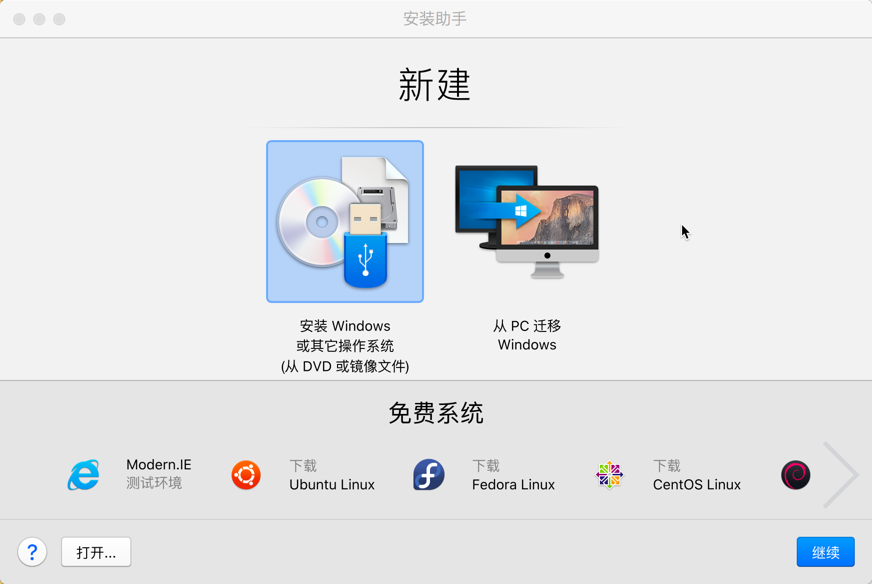
Turn on the virtual machine
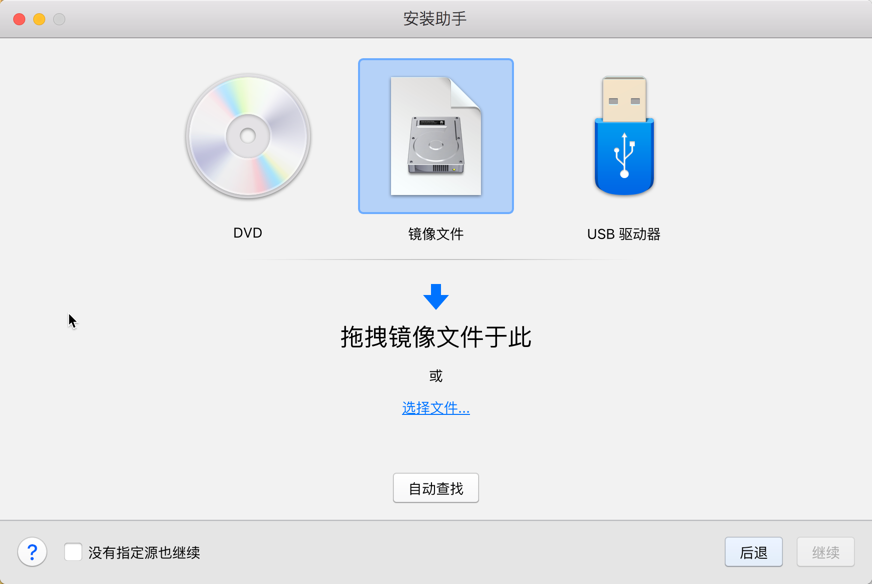
Drag mirror
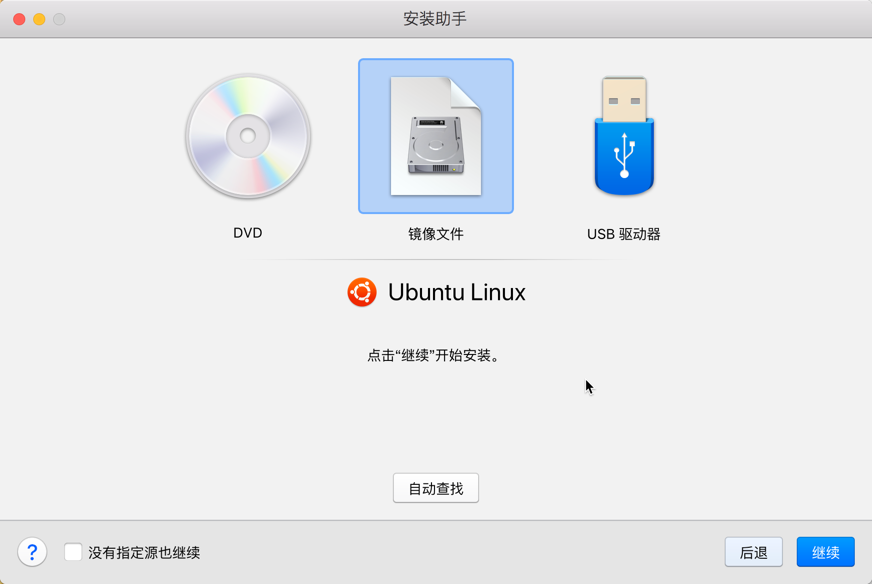
Identify the mirror
- Check the two buttons below, the first is to generate a desktop icon, and the second is to make some settings.
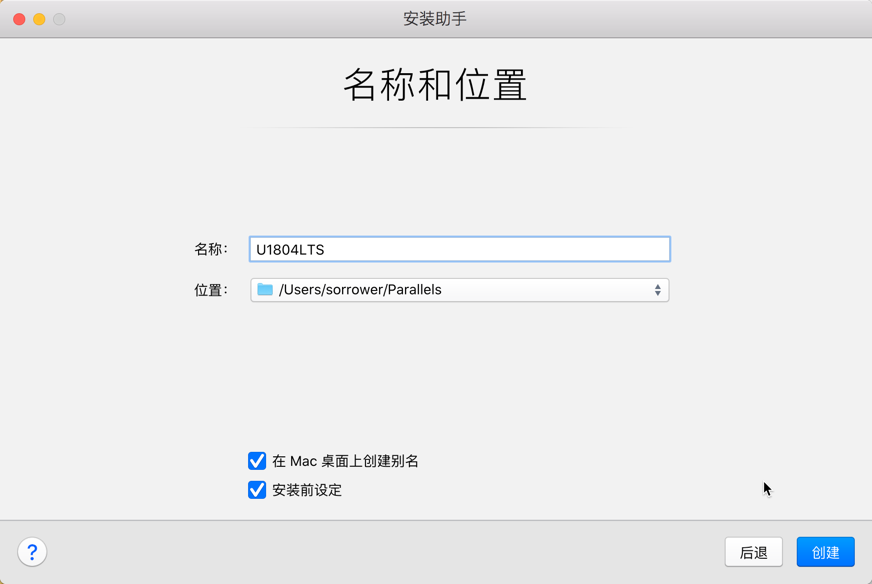
Check before installation
- As little as possible to establish the association between mac and linux, if you can understand the specific role of each option, and will use it, it is another matter.
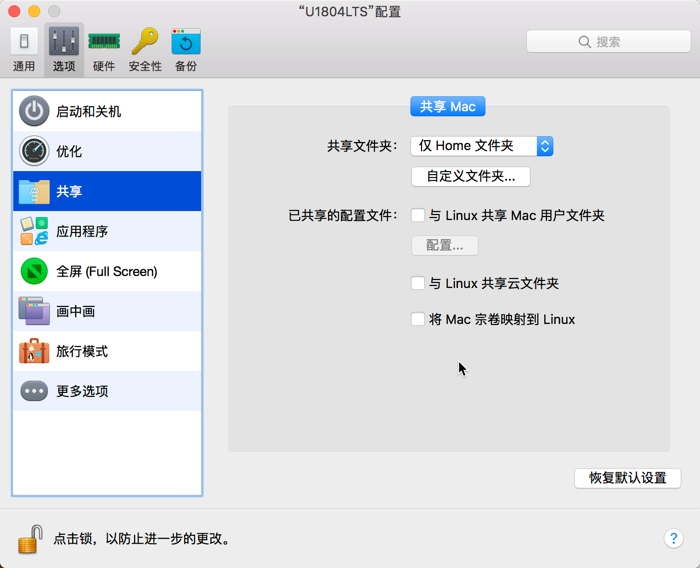
Set up
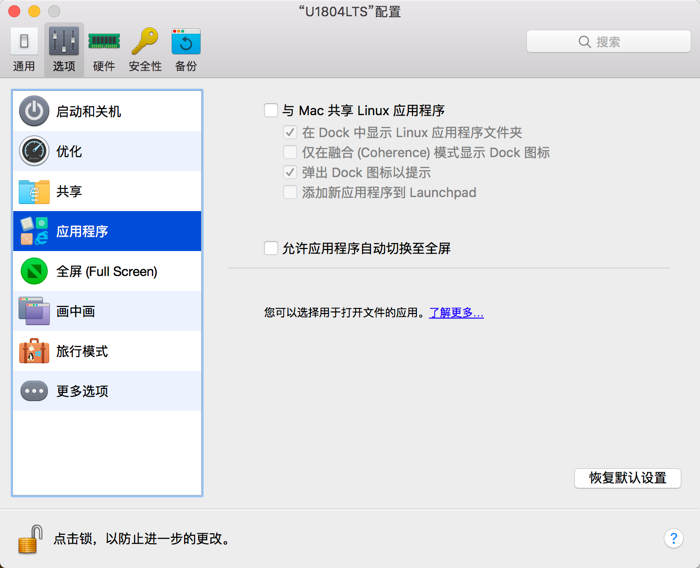
Set up
install the system###
- Very familiar installation interface and a little unfamiliar operating system interface, this is Ubuntu? (cover your face), except that it is getting red, I really don't recognize it. (Embarrassed face)
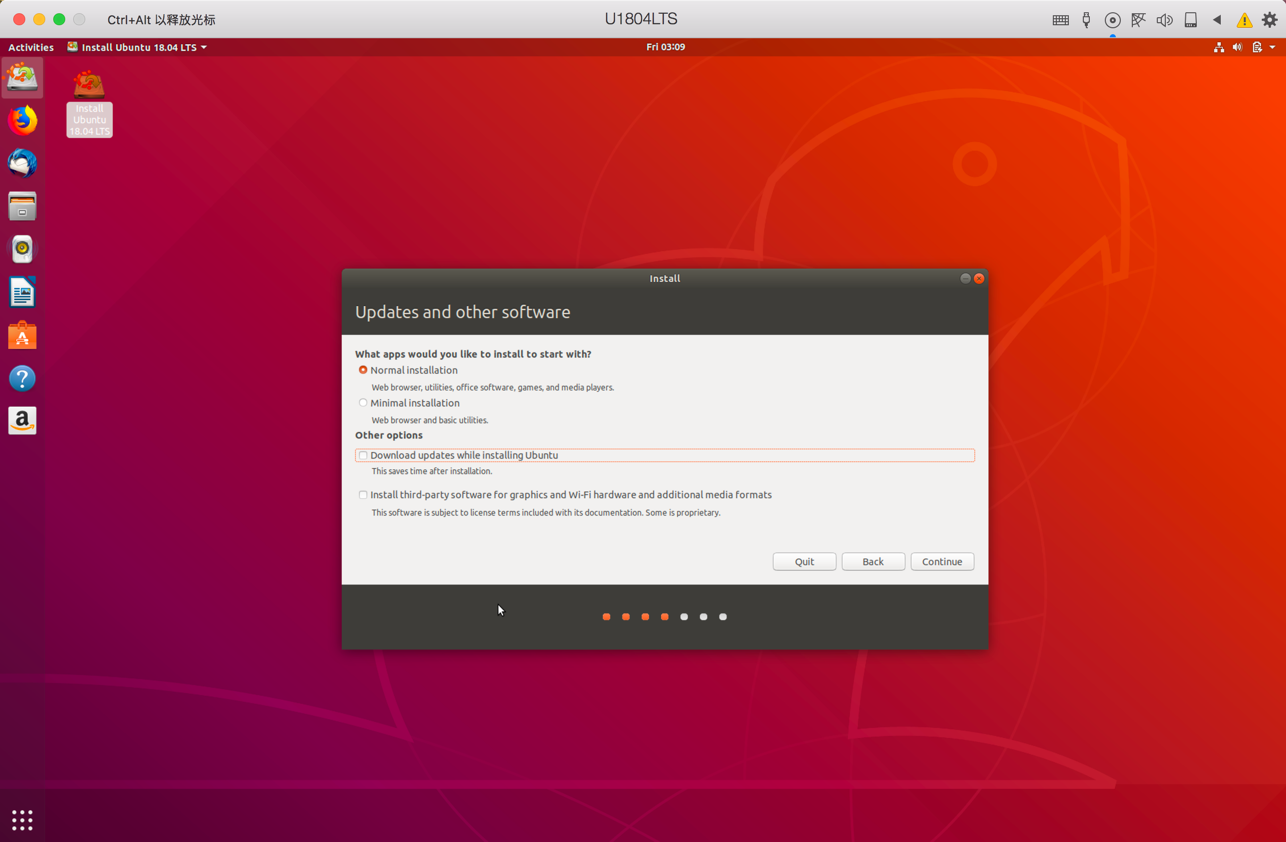
install the system
- After installation, the first time you enter, you will see the following:
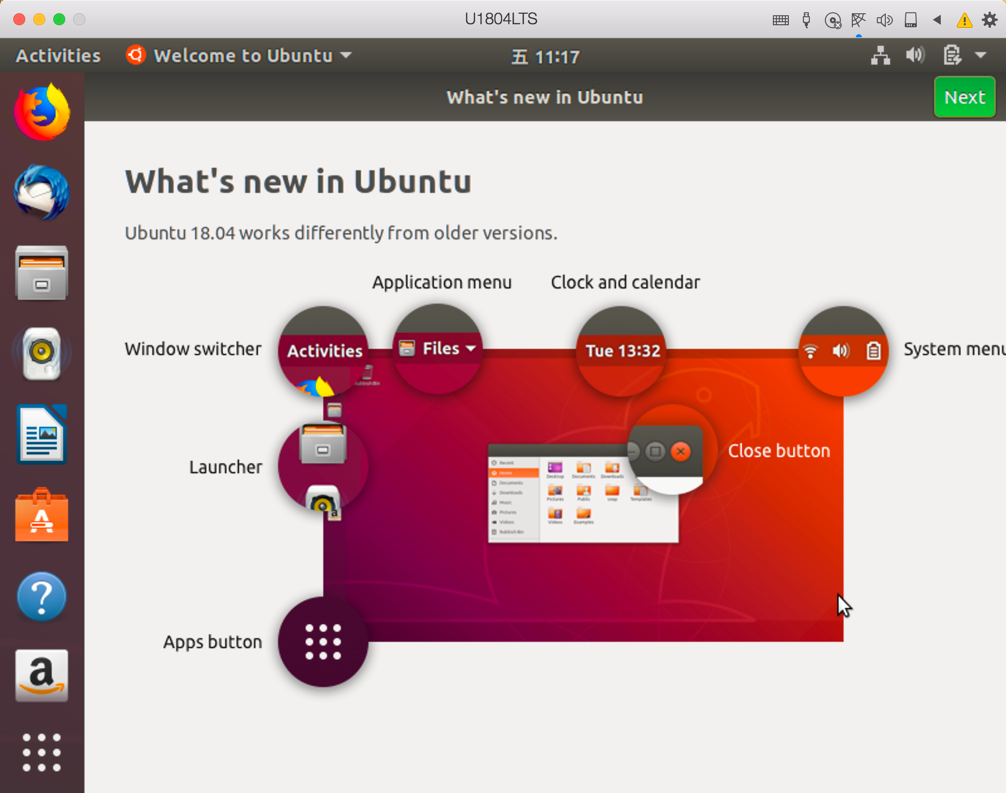
First entry
At last###
Okay, I’ve experienced it here. Overall, the changes are really big, but many places are still very interesting. If there are particularly interesting places in the future, I may add an article to elaborate on it, but now, let me be honest, Haven't found how to adjust the resolution (cover your face). Like to remember to like or follow me~