Environment Building Series under Ubuntu-Install Google Chrome
Ubuntu 16.04 LTS installs Firefox by default, but I am still used to using Google Chrome. Here is a brief introduction on how to install Google Chrome on Ubuntu 16.04 LTS.
download##
Through the built-in Firefox browser, enter the download address
http://www.google.cn/intl/zh-CN/chrome/browser/desktop/index.html
- Click the
Download Chromebutton; - On the pop-up download page, select the
.debformat; - Select
Save Fileand click theOKbutton.
Google Chrome will save to Firefox's default download path.
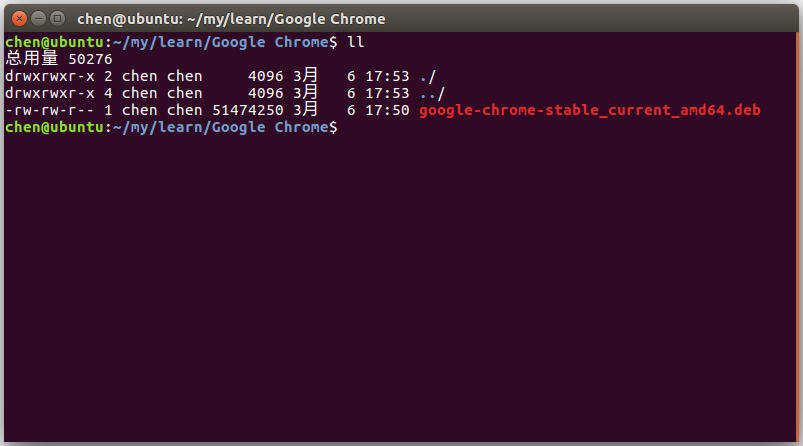
Download here is to install through the terminal, because the installation will always fail if you open it directly or double-click to run after downloading.
View
installation##
-
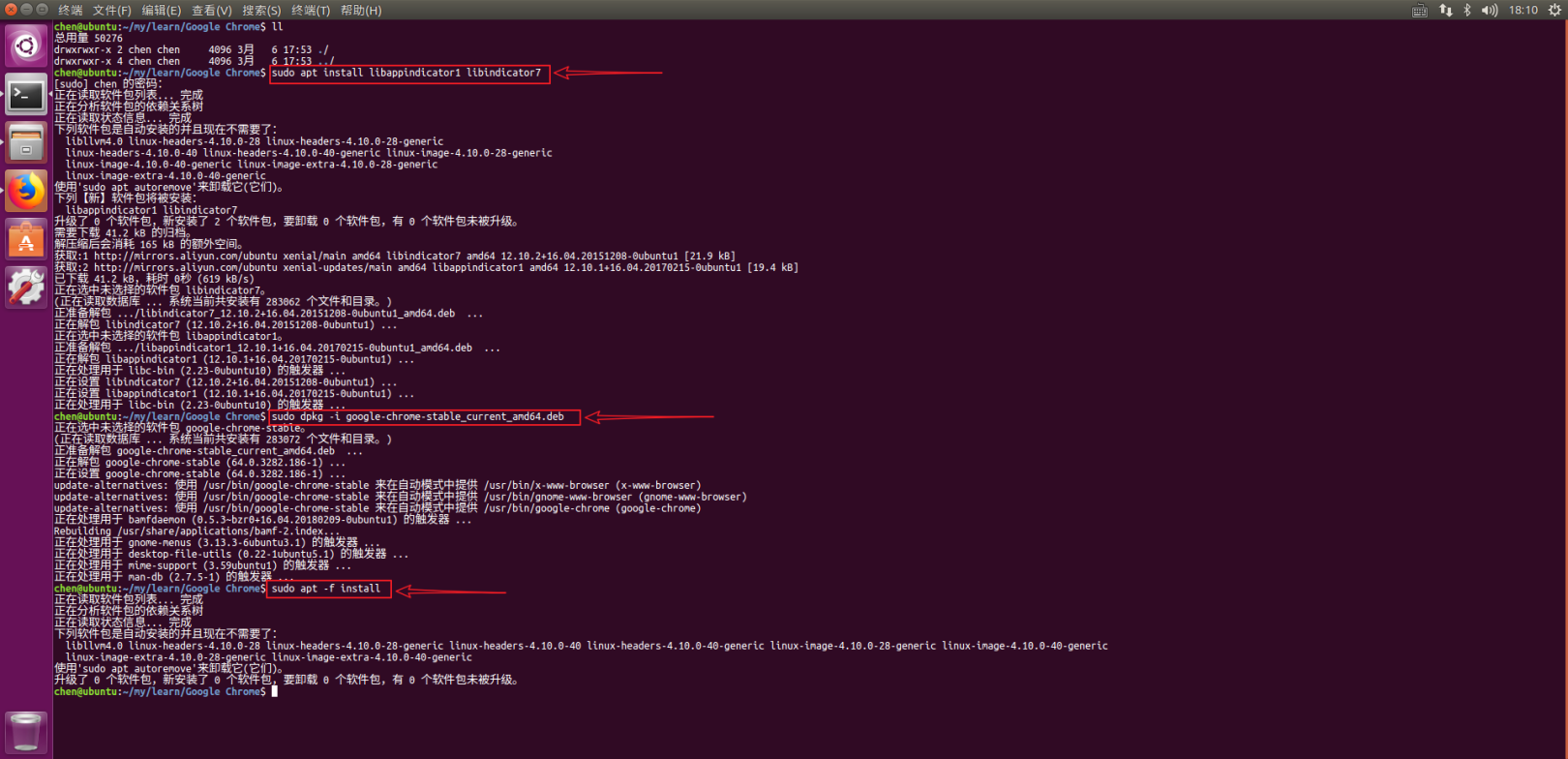
First install the two software packages to be used by Google Chrome, enter the command: sudo apt install libappindicator1 libindicator7
-
Then enter the command
sudo dpkg -i google-chrome-stable_current_amd64.deb, and you may need to enter a password according to the prompt to obtain root privileges -
Patch all the dependencies and enter the command sudo apt -f install
to sum up##
- The deb file needs to be downloaded;
- The installation needs to go through the command line, and the dependencies need to be filled;
- After installation, you can find and start it through Dash;
- If you don't want to start via Dash every time, you can set it to
lock to launcher.