Docker starts ubuntu's desktop environment
I. Overview
Since working from home recently, the domestic server is in Alibaba Cloud and the foreign site is in aws. The mobile broadband at home is relatively poor and I cannot access aws.
So try to start docker on Alibaba Cloud and find an ubuntu image of the lxde desktop environment.
Two, start the desktop environment of ubuntu
Environmental description
Operating system: centos 7.6
docker version: 19.03.5
Configuration: 2 cores 4g
Pull mirror
docker pull dorowu/ubuntu-desktop-lxde-vnc
Run container
docker run -d --name ubuntu-desktop-lxde-vnc -p 6080:80-p 5900:5900-e VNC_PASSWORD=abcd@1234-v /dev/shm:/dev/shm dorowu/ubuntu-desktop-lxde-vnc
Note: abcd@1234 is the password I set for VNC login.
The container here exposes two ports
6080 : It is the web version of vnc, you can directly access the desktop environment on the browser
5900 : Is the port to connect using the client tool
vnc for web
http://1.1.1.1:6080
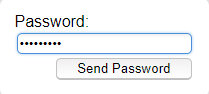
Enter password: abcd@1234
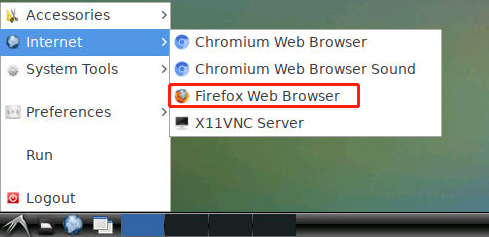
Click the icon in the lower left corner to open the Firefox browser
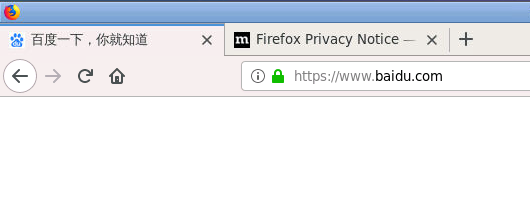
Open Baidu webpage
Note: Copy and paste cannot be used in the web version, and the vnc client is supported.
vnc client
Search for the vnc client from Baidu, the download address is as follows:
http://sd.downxia.com/down/VNCViewer.rar
After the installation is complete, create a new connection.
Input ip address
enter password
After logging in, you can open the web page.
Copy and paste function is also normal
Reference link for this article: