[C#] Calling the Windows Runtime API from .NET 5 has become a lot easier
It seems to be from .NET 5 Preview 8, but accessing the API of Windows 10 from .NET 5 has become much easier. The articles mentioned are as follows.
How easy it is is that this article will be over soon. It’s sad to finish soon, so how easy is it compared to the past? I will write it because.
old days
Manually reference and add DLLs and winmd files in a specific folder of the Windows 10 SDK, and then manually set files that you do not want to be included at the time of distribution so that they are not copied. There weren’t that many, but it was annoying.
now
A NuGet package named Microsoft.Windows.SDK.Contracts has been added that you can call by referencing it. Serious heaven.
.NET 5 or later
All you have to do is set up the Target Framework Moniker. Specifically, all you have to do is add the target version number to the TargetFramework tag of the project file, such as net5.0-windows10.0.17763.0.
let’s do it.
Launch VS 2019 Preview and quickly create a WPF project.
Change the TargetFramework of the project file from net5.0-windows to net5.0-windows10.0.19041.0. It looks like the following.
<Project Sdk = "Microsoft.NET.Sdk">
  <PropertyGroup>
    <OutputType> WinExe </ OutputType>
    <TargetFramework> net5.0-windows10.0.19041.0 </ TargetFramework>
    <UseWPF> true </ UseWPF>
  </ PropertyGroup>
</ Project>
Let’s take a picture from the camera, which is also on the English blog.
MainWindow.xaml
// You can use classes that start with the Windows namespace! ??
using Windows.Media.Capture;
using Windows.Media.MediaProperties;
using System;
using System.Windows;
using System.Windows.Media.Imaging;
using System.IO;

namespace WpfApp8
{
    /// <summary>
    /// Interaction logic for MainWindow.xaml
    /// </ summary>
    public partial class MainWindow: Window
    {
        public MainWindow ()
        {
            InitializeComponent ();
        }

        private async void Button_Click (object sender, RoutedEventArgs e)
        {
            // Capture and display images from the camera
            using var c = new MediaCapture ();
            await c.InitializeAsync ();

            var format = ImageEncodingProperties.CreatePng ();
            using var s = new MemoryStream ();
            using var randomAccessStream = s.AsRandomAccessStream ();
            await c.CapturePhotoToStreamAsync (format, randomAccessStream);
            await randomAccessStream.FlushAsync ();
            s.Position = 0;
            var source = new BitmapImage ();
            source.BeginInit ();
            source.CacheOption = BitmapCacheOption.OnLoad;
            source.StreamSource = s;
            source.EndInit ();

            image.Source = source;
        }
    }
}
When I try to move it, it works properly. (It feels like I’m capturing an image from a virtual camera)
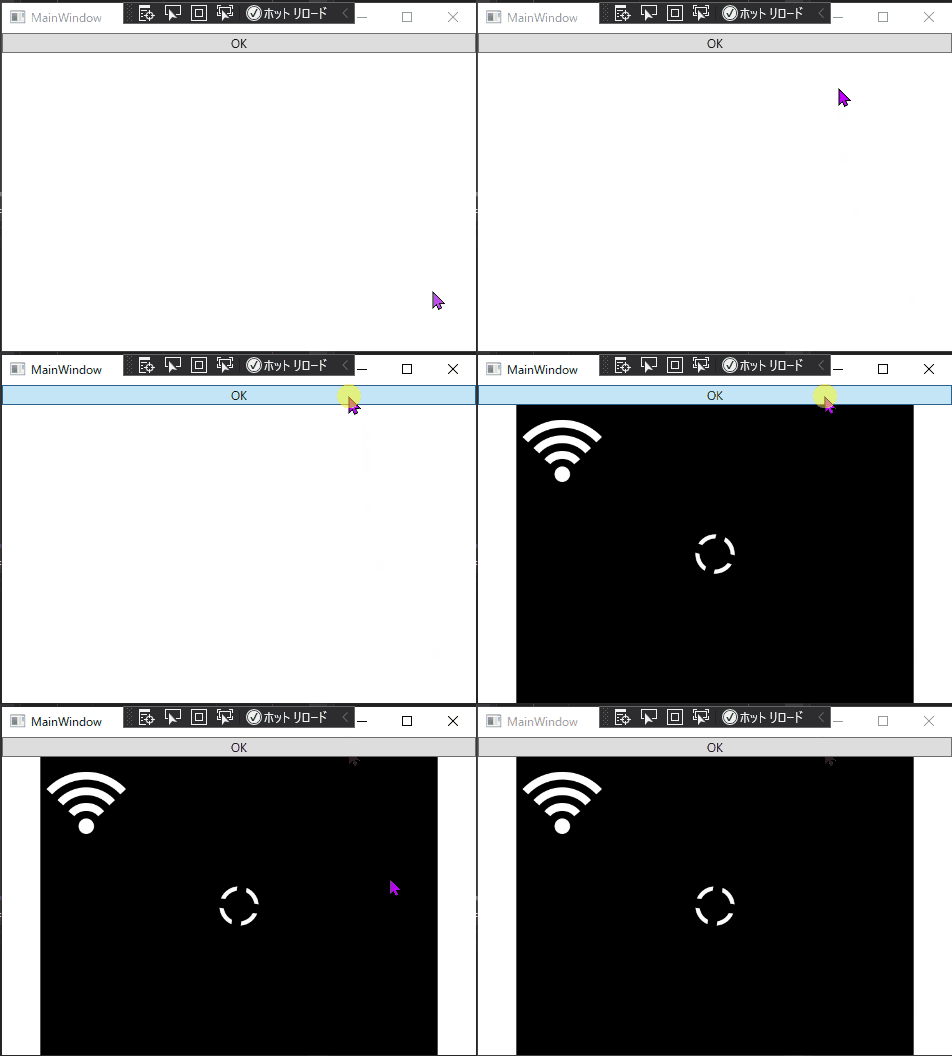
I remember that it was very difficult to capture camera images with WPF in the past, so it’s encouraging to be able to quickly call what is provided as an API linked to such an OS.
Summary
So it was easy to just add the NuGet package, but starting with .NET 5, it’s even easier to call the Windows 10 APIs. Convenient ~~~.