centos7 devstack install openstack liberty
ネイティブ環境###
オペレーティングシステム:CentOS Linuxリリース7.2.1511(コア)ローカルIP:172.16.33.201ゲートウェイ:172.16.33.201
devstackと予備準備をダウンロードする###
これは他の人の記事とは少し異なります。gitclonedevstackの場合、ブランチを指定する必要があります。そうしないと、openstackをインストールするときにスクリプトが存在しないというプロンプトが表示されます。
コピー
# cd /opt
# git clone https://git.openstack.org/openstack-dev/devstack -b stable/liberty
新しいスタックユーザーを作成し、devstackフォルダーの所有者を変更します
コピー
# cd /opt/devstack/tools/
# . /create-stack-user.sh
# chown -R stack:stack /opt/devstack
新しいlocal.confファイルを作成します。例は次のとおりです。必要に応じて変更してください
コピー
# vim /opt/devstack/local.conf

[[ local|localrc]]
# Define images to be automatically downloaded during the DevStack built process.
IMAGE_URLS="http://download.cirros-cloud.net/0.3.4/cirros-0.3.4-x86_64-disk.img"
# Credentials
DATABASE_PASSWORD=123456
ADMIN_PASSWORD=123456
SERVICE_PASSWORD=123456
SERVICE_TOKEN=pass
RABBIT_PASSWORD=123456
# FLAT_INTERFACE=eth0

HOST_IP=172.16.33.201
SERVICE_HOST=172.16.33.201
MYSQL_HOST=172.16.33.201
RABBIT_HOST=172.16.33.201
GLANCE_HOSTPORT=172.16.33.201:9292

## Neutron options
Q_USE_SECGROUP=True
FLOATING_RANGE=172.16.33.0/24
FIXED_RANGE=10.0.0.0/24
Q_FLOATING_ALLOCATION_POOL=start=172.16.33.202,end=172.16.33.210
PUBLIC_NETWORK_GATEWAY=172.16.33.254
Q_L3_ENABLED=True
PUBLIC_INTERFACE=eth0
Q_USE_PROVIDERNET_FOR_PUBLIC=True
OVS_PHYSICAL_BRIDGE=br-ex
PUBLIC_BRIDGE=br-ex
OVS_BRIDGE_MAPPINGS=public:br-ex

# Work offline
# OFFLINE=True
# Reclone each time
RECLONE=False

# Logging
# -------
# By default``stack.sh`` output only goes to the terminal where it runs. It can
# be configured to additionally log to a file by setting ``LOGFILE`` to the full
# path of the destination log file. A timestamp will be appended to the given name.
LOGFILE=/opt/stack/logs/stack.sh.log
VERBOSE=True
LOG_COLOR=True
SCREEN_LOGDIR=/opt/stack/logs

# the number of days by setting ``LOGDAYS``.
LOGDAYS=1
# Database Backend MySQL
enable_service mysql
# RPC Backend RabbitMQ
enable_service rabbit

# Enable Keystone - OpenStack Identity Service
enable_service key
# Horizon - OpenStack Dashboard Service
enable_service horizon
# Enable Swift - Object Storage Service without replication.
enable_service s-proxy s-object s-container s-account
SWIFT_HASH=66a3d6b56c1f479c8b4e70ab5c2000f5
SWIFT_REPLICAS=1
# Enable Glance - OpenStack Image service
enable_service g-api g-reg

# Enable Cinder - Block Storage service for OpenStack
VOLUME_GROUP="cinder-volumes"
enable_service cinder c-api c-vol c-sch c-bak
# Enable Heat(orchestration) Service
enable_service heat h-api h-api-cfn h-api-cw h-eng
# Enable Trove(database) Service
enable_service trove tr-api tr-tmgr tr-cond
# Enable Sahara(data_processing) Service
enable_service sahara

# Enable Tempest - The OpenStack Integration Test Suite
enable_service tempest

# Enabling Neutron(network) Service
disable_service n-net
enable_service q-svc
enable_service q-agt
enable_service q-dhcp
enable_service q-l3
enable_service q-meta
enable_service q-metering
enable_service neutron

## Neutron - Load Balancing
enable_service q-lbaas
## Neutron - Firewall as a Service
enable_service q-fwaas
## Neutron - V**as a Service
enable_service q-V**
# VLAN configuration.
# Q_PLUGIN=ml2
# ENABLE_TENANT_VLANS=True

# GRE tunnel configuration
# Q_PLUGIN=ml2
# ENABLE_TENANT_TUNNELS=True
# VXLAN tunnel configuration
Q_PLUGIN=ml2
Q_ML2_TENANT_NETWORK_TYPE=vxlan

# Enable Ceilometer - Metering Service(metering + alarming)
enable_service ceilometer-acompute ceilometer-acentral ceilometer-collector ceilometer-api
enable_service ceilometer-alarm-notify ceilometer-alarm-eval
enable_service ceilometer-anotification
## Enable NoVNC
enable_service n-novnc n-cauth

# Enable the Ceilometer devstack plugin
enable_plugin ceilometer https://git.openstack.org/openstack/ceilometer.git

# Branches
KEYSTONE_BRANCH=stable/liberty
NOVA_BRANCH=stable/liberty
NEUTRON_BRANCH=stable/liberty
SWIFT_BRANCH=stable/liberty
GLANCE_BRANCH=stable/liberty
CINDER_BRANCH=stable/liberty
HEAT_BRANCH=stable/liberty
TROVE_BRANCH=stable/liberty
HORIZON_BRANCH=stable/liberty
SAHARA_BRANCH=stable/liberty
CEILOMETER_BRANCH=stable/liberty
TROVE_BRANCH=stable/liberty

# Select Keystone's token format
# Choose from'UUID','PKI', or 'PKIZ'
# INSERT THIS LINE...
KEYSTONE_TOKEN_FORMAT=${KEYSTONE_TOKEN_FORMAT:-UUID}
KEYSTONE_TOKEN_FORMAT=$(echo ${KEYSTONE_TOKEN_FORMAT}| tr '[:upper:]''[:lower:]')[[post-config|$NOVA_CONF]][DEFAULT]
# Ceilometer notification driver
instance_usage_audit=True
instance_usage_audit_period=hour
notify_on_state_change=vm_and_task_state
notification_driver=nova.openstack.common.notifier.rpc_notifier
notification_driver=ceilometer.compute.nova_notifier
openstack ###をインストールします
コピー
# cd /opt/devstack
# su stack
# . /stack.sh
以下に示すように、インストールが完了しました。

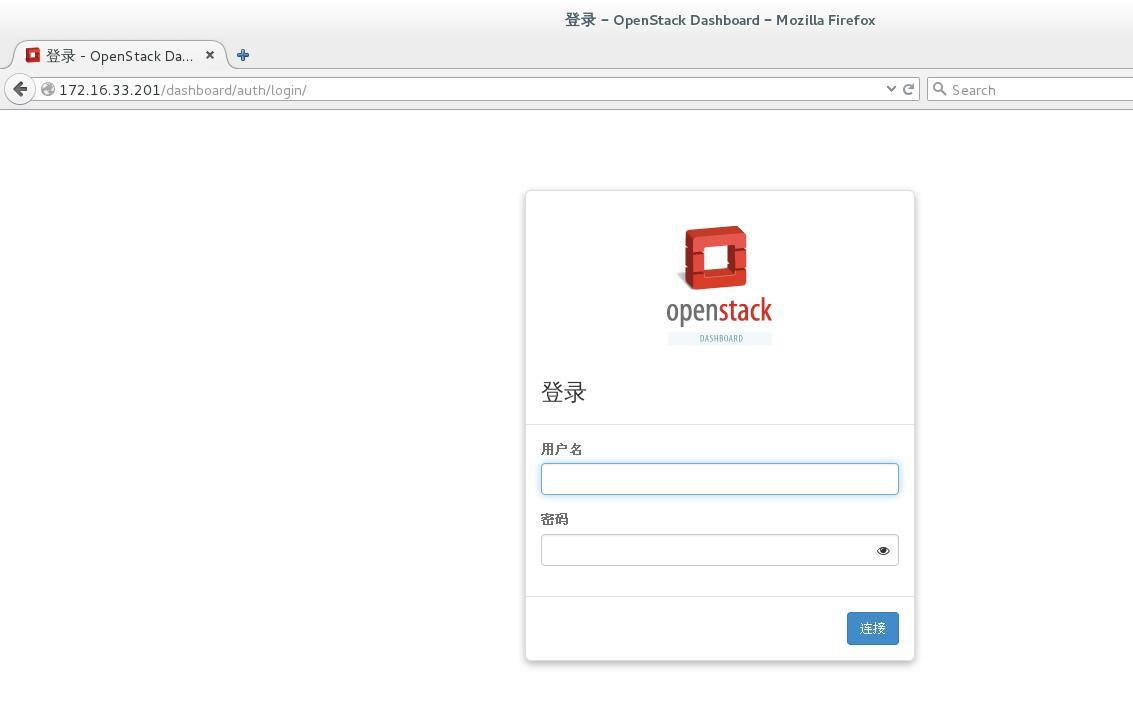
ダッシュボードにアクセス:
コマンドライン操作###
コピー
管理者ユーザー
# source /opt/devstack/openrc admin admin #操作する環境変数をロードする
デモユーザー
# source /opt/devstack/openrc demo demo #操作する環境変数をロードする
Recommended Posts